Booking page best practices come down to four moves: say what the person walks away with, show who they will talk to, keep the form short, and add one real line from a past client. A “Book a call” button that opens an empty form asks people to give you their time before they know why.
Why does an empty booking form lose people?
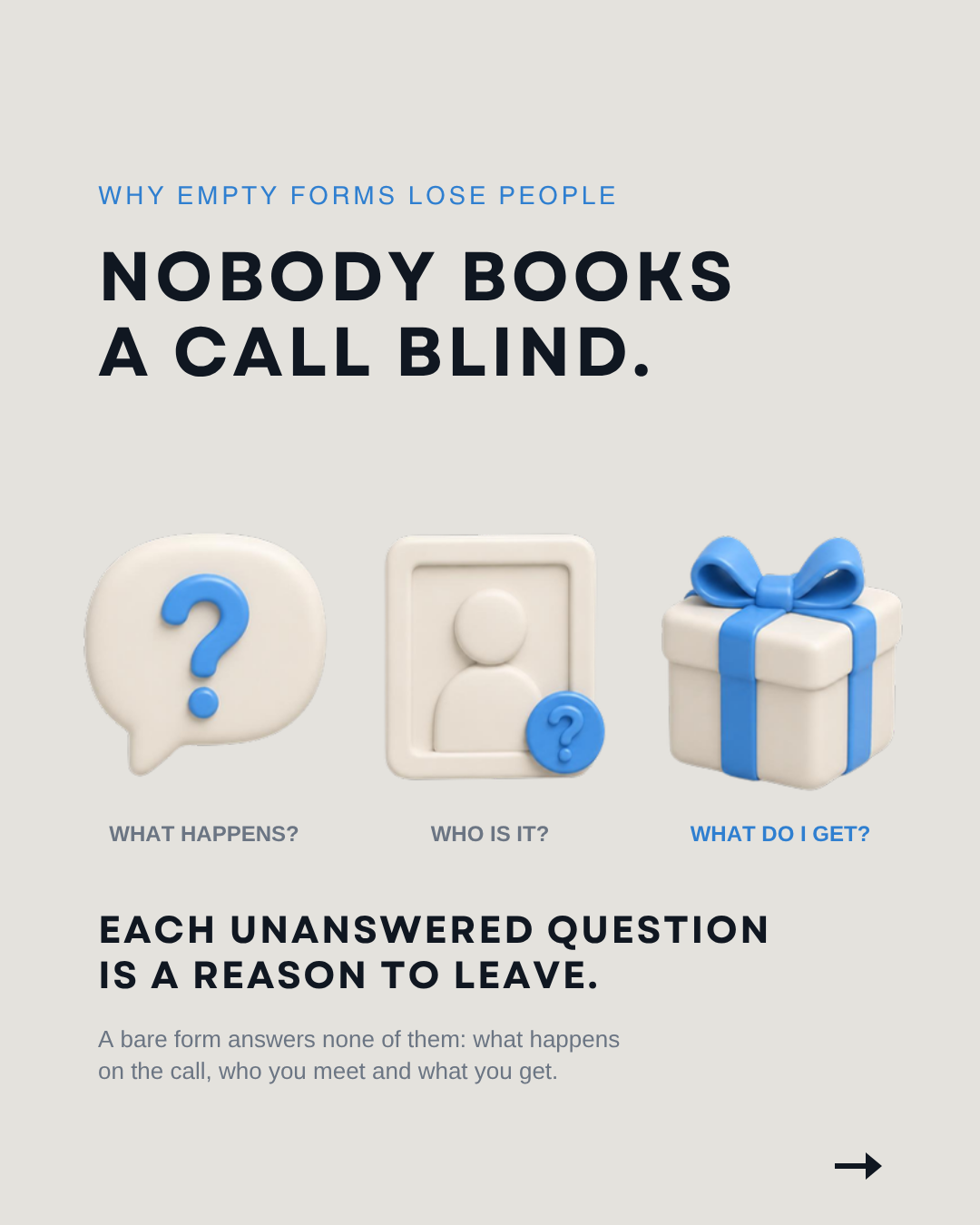
Because nobody wants to book a call they know nothing about. A bare form answers none of the questions a visitor has: what happens on the call, who is on the other end, and what they get out of it. Each unanswered question is a reason to close the tab.
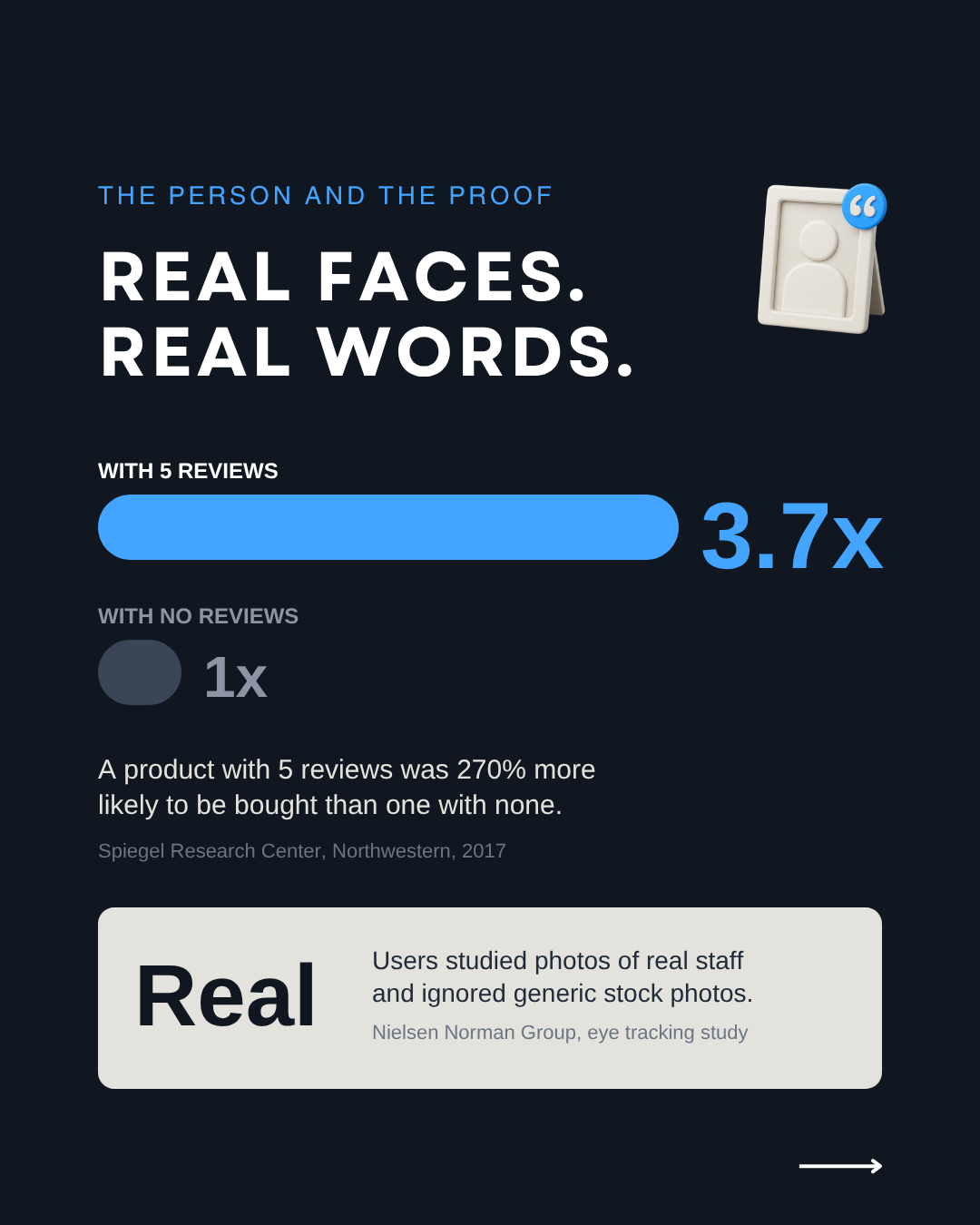
A real face answers the second question. In Nielsen Norman Group’s eye tracking research, users ignored stock photos of generic people but studied photos of people who actually work at the company. A University College London study found a staff photo mainly shapes the first impression, the exact moment a booking page has to win.
What should a booking page show before the form?
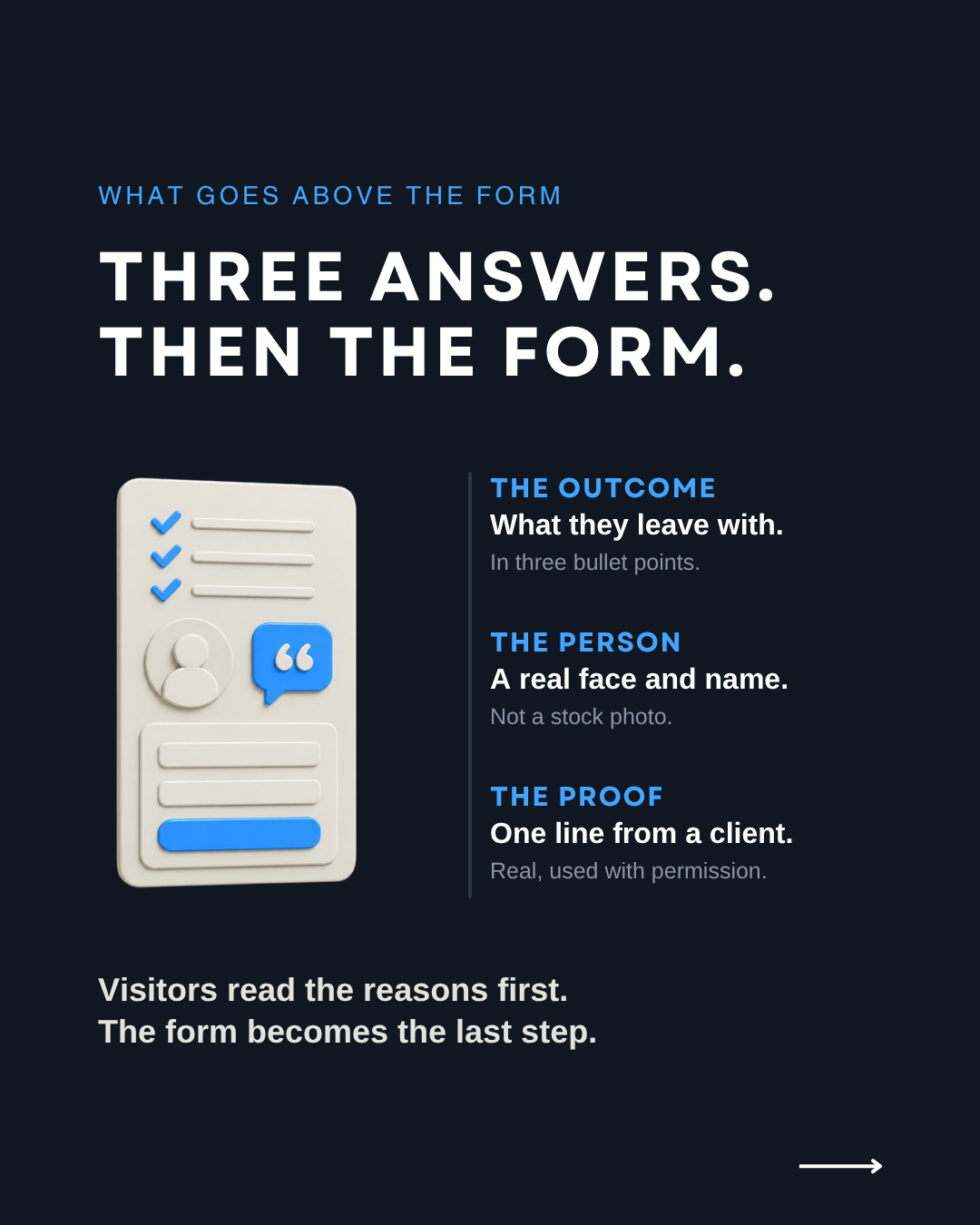
Three things, above the form and in this order: what the person will walk away with, who they will talk to, and proof that someone already did the call. Visitors then read the reasons before the fields, and the form becomes the last step instead of the first question.
- The outcome, in three bullet points. Write what they leave with, not what you will discuss. “A list of the three fixes your website needs first” says more than “We’ll talk about your goals.”
- The person. A real photo and a first name, so the visitor books a meeting with someone, not a form.
- One line from a past client. A short quote, used with permission. The Spiegel Research Center at Northwestern found a product with five reviews was 270% more likely to be bought than one with none. The line must be real: the FTC rule on reviews and testimonials, in effect since October 21, 2024, bans fake ones.
How many fields should a booking form have?
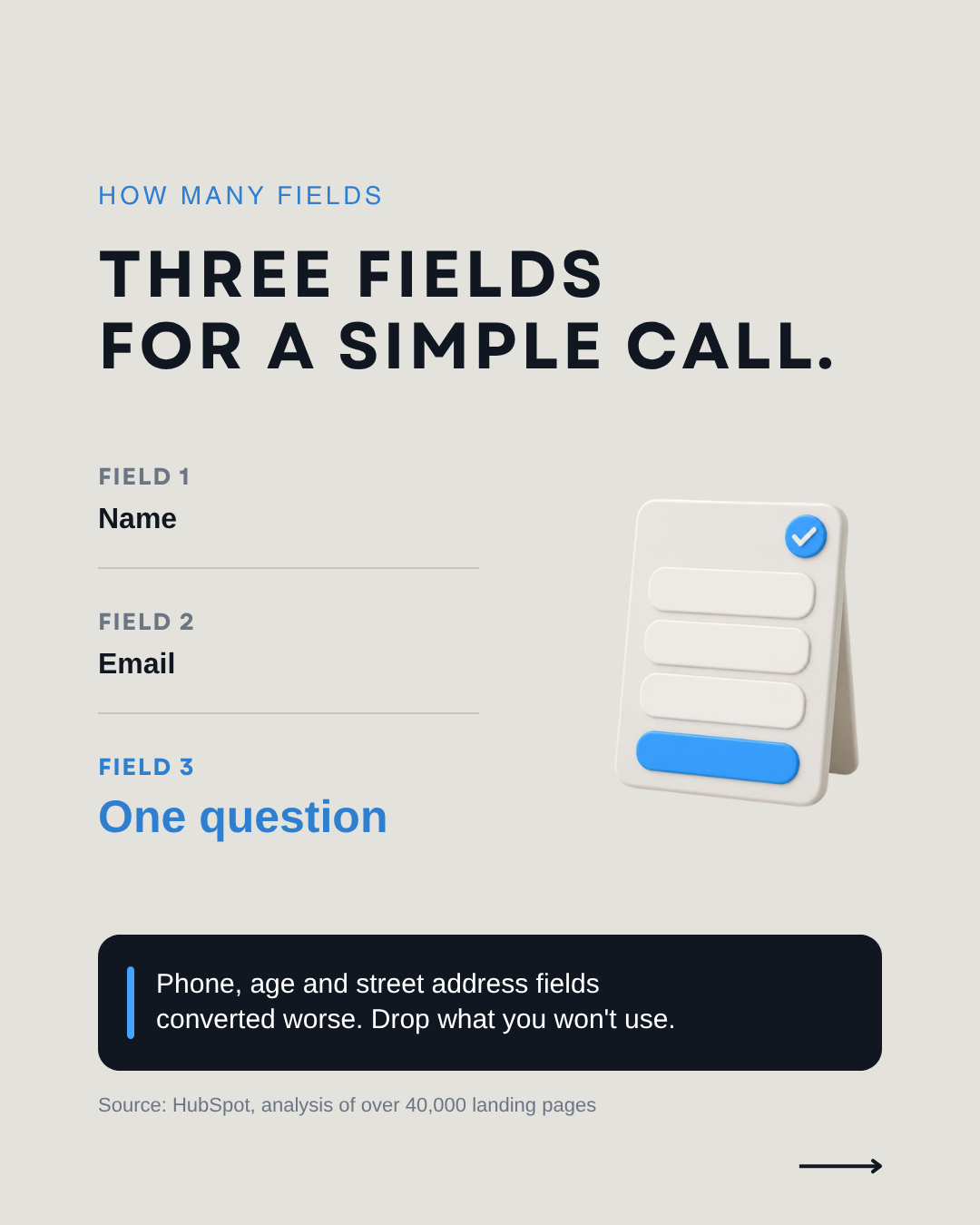
For a simple call, three: name, email and one short question. Each extra field costs a little, and some cost more than others. In HubSpot’s analysis of over 40,000 customer landing pages, conversion rates dropped slightly as fields were added, and pages asking for phone numbers, age or street address converted worse.
In that data, several long text boxes or dropdowns hurt the most, while single line fields barely mattered. Checkout research agrees: Baymard Institute counted 11.3 fields in the average checkout in 2024, when most sites need 8, and 17% of US online shoppers have abandoned an order because checkout was too long or complicated.
When is a longer form the right choice?
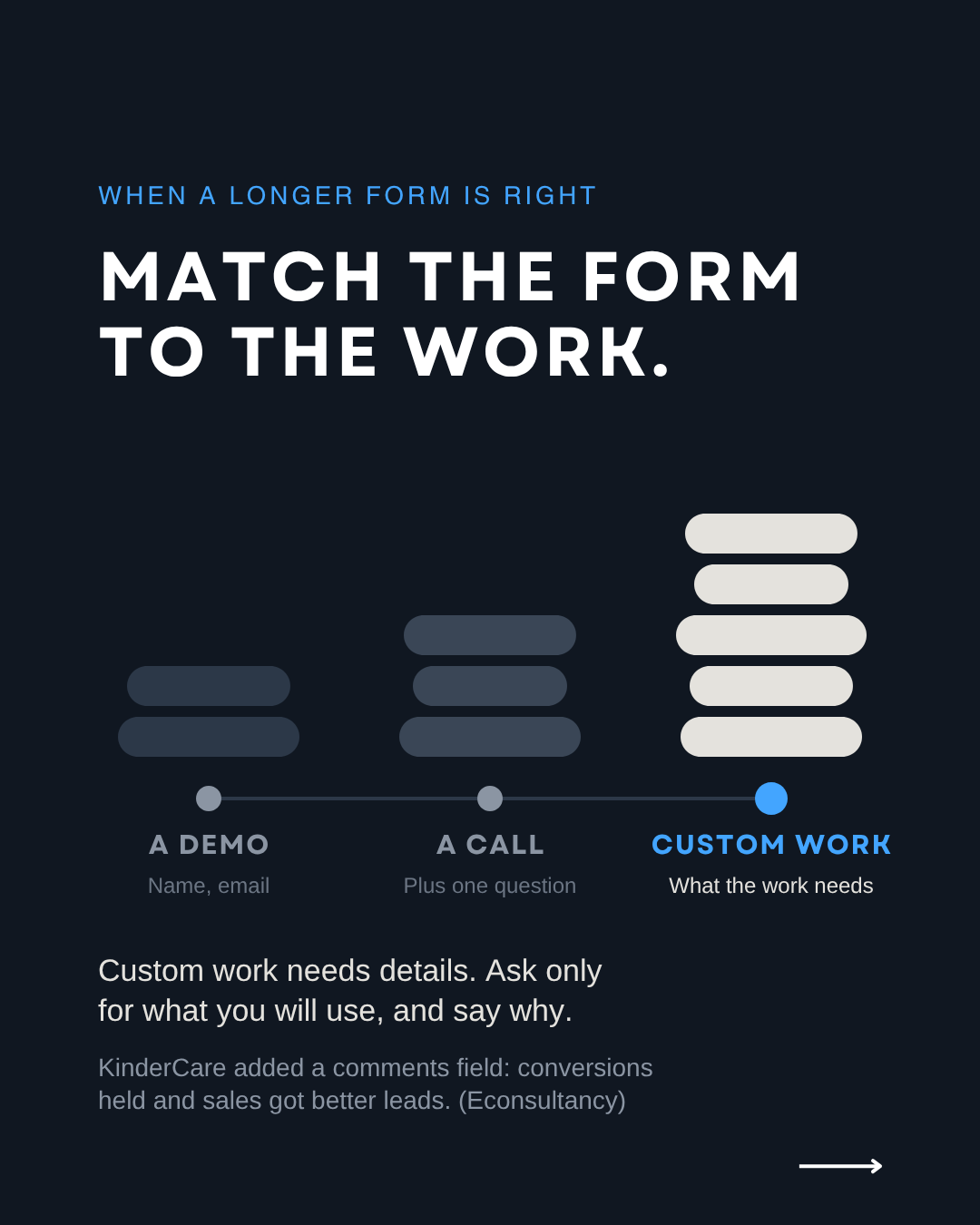
When you deliver something custom. The rule: match the form to what you deliver. If the person receives a file built around their business, you need details about that business, and someone who wants that file expects to give them.
Our free audit form asks for company details because the audit is a custom document about that company. A “Book a demo” button only needs a name and an email. Relevant fields can even help: in a test described by Econsultancy, child care chain KinderCare added a “Comments or Questions” field, conversions held steady and sales reported better leads. Ask only for what you will use.
What do we do at 33 Genesis Road?
Here’s what we do: we rebuild booking pages around three answers (what you get, who you meet, who did it before), then remove every field the business doesn’t use before the call. When the offer is custom, we keep the fields the work needs and say what each one is for.
Want us to look at your booking page? Get a free audit, in less than 24 hours.
FAQ
How many fields should a booking form have?
Three for a simple call: name, email and one short question. Add more only when you deliver something custom and the answers shape what you prepare.
Should I ask for a phone number on a booking form?
Only if you will call. HubSpot’s landing page data linked phone number fields to lower conversion, so drop the field or make it optional.
Can I use a stock photo of a person?
Use a real photo of the person they will meet. Nielsen Norman Group found users ignore stock photos of generic people.
Can I write a sample testimonial until I get a real one?
No. The FTC rule bans testimonials that misrepresent who gave them or whether they used the service. Leave the space empty until a real client agrees.
Sources: Nielsen Norman Group, Photos as Web Content (October 31, 2010); University College London, Riegelsberger, Sasse and McCarthy, Trust at First Sight? (2003); Medill Spiegel Research Center, How Online Reviews Influence Sales (2017); Federal Trade Commission, Trade Regulation Rule on the Use of Consumer Reviews and Testimonials (August 22, 2024); HubSpot, Which Types of Form Fields Lower Landing Page Conversions? (updated June 6, 2025); HubSpot, 3 Form Fields That Kill Landing Page Conversion Rates (updated June 6, 2025); Baymard Institute, Checkout Optimization: 5 Ways to Minimize Form Fields in Checkout (June 26, 2024); Baymard Institute, Cart Abandonment Rate Statistics (updated September 22, 2025); Econsultancy, How to optimize your lead generation forms: three case studies (March 28, 2013)